CONTACT CENTER dialer

stop dialing
start connecting

GoContact's intelligent dialer helps your team reach more people, reduce manual work, and turn outbound into consistent conversations.

Woman with red hair working on a laptop with an auto-dialing screen showing Bill Brown's contact details and a 30-second countdown.

AGent productivity

Dialing shouldn't
Be the work

Your agents don't come to work to dial numbers. They're here to help customers. GoContact's dialer removes the busywork so your team stays focused on conversations.

Smiling woman with crossed arms connected to a dialer interface showing agents with online and offline status, and action icons for chat, SMS, and call.

Automated workflows

Dial, connect,
move on

As soon as one conversation ends, the next one begins. There's no dialing, waiting, or retries. Agents move through a steady stream of conversations with consistent outreach.

Smiling woman wearing a headset and typing on a laptop in an office setting.

Agent Experience

Less Switching
More Helping

Everything your agents need is already in place, so they spend more time talking to customers instead of managing the system.
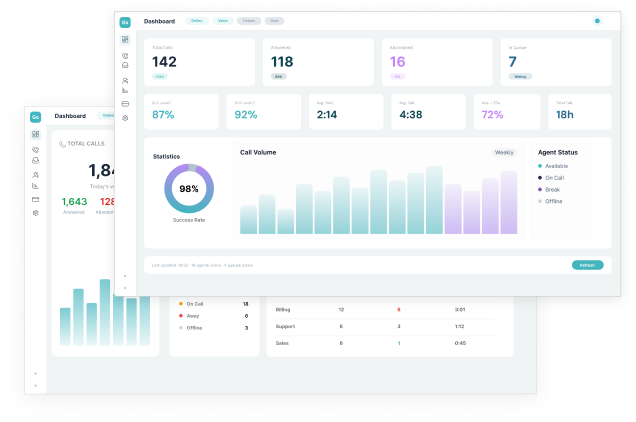
Call center dashboard showing total calls, answered, abandoned, in queue, success rate, call volume bar chart, and agent status indicators.

Live Visibility

See What's Happening  
Adjust As you Go

Launch campaigns, adjust pacing, and monitor results in real time. See connection rates, outcomes, and agent activity as they happen, so you can make changes on the spot as needed.
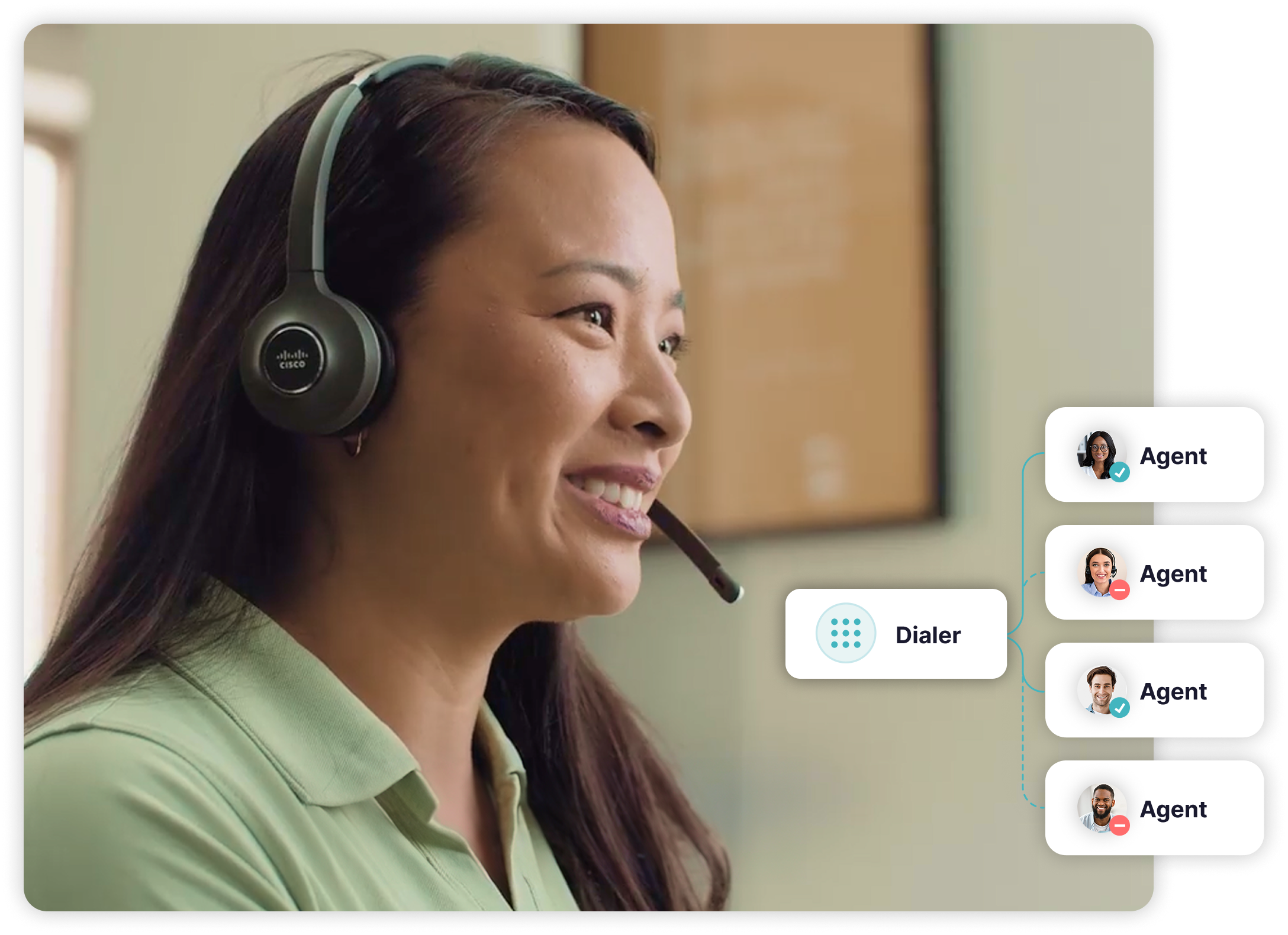
Smiling woman wearing a Cisco headset with dialer routing graphic connecting to four agents, two available and two unavailable.

Built-in COMPLIANCE

Stay Compliant
Without Extra work

Built-in controls for time zone dialing, DNC management, and pacing keep your campaigns aligned with regulations. And they do it without extra systems or manual oversight.  
DIALING MODES

The right mode for every campaign

Power Preview

Preview an account's contact details before calling.

Power Dial

Reduce time between calls to improve campaign results.

Manual Dial

Manually enter a contact's number from Preview Mode when needed.

Predictive Dialer

Automatically place calls based on agent availability.

Voicemail Detection

Skip voicemails and focus on live conversations.

Data Management

Upload and manage contact lists in advance to skip manual dialing.

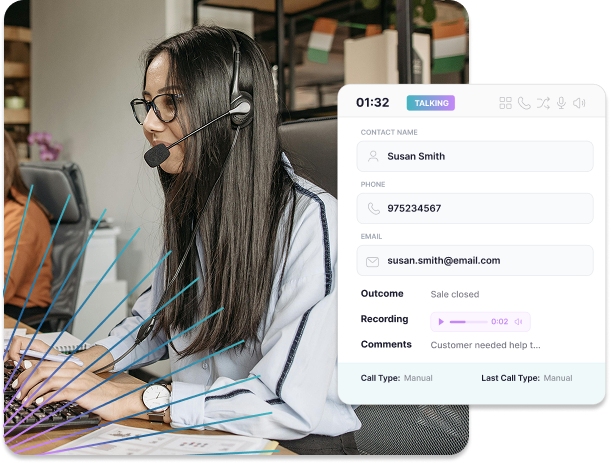
Woman wearing headset and glasses typing on keyboard in an office with a call interface showing contact details, call status, and comments.

Real Results

More talk time
Stronger outcomes

When agents spend more time in conversations, higher productivity follows. They have more completed interactions, stronger engagement, and measurable improvements in performance.

WHY IT MATTERS

Consistency you can
count on

Connected CX Platform

Outbound integrates with omnichannel, CRM, and inbound workflows.

No more guessing

Less dialing, less friction, more confidence and consistency for agents.

Digital Channels

Upload lists, prioritize leads, adjust pacing, and monitor results with no spreadsheets.

Frequently Asked
Questions

What does a dialer do in a contact center?
Icon
What types of dialers are available with GoContact's platform? 
Icon
Can managers control pacing and call volume? 
Icon
How does GoContact's dialer handle compliance requirements?
Icon
Will agents lose visibility or control with automated dialing?
Icon

Ready To

Transform Your CX?

Join thousands of teams delivering exceptional
customer experiences with Broadvoice.

Book a Demo