MICROSOFT DYNAMICS INTEGRATION

Your agents Live in Dynamics
So does GoContact

GoContact embeds directly inside Microsoft Dynamics, so calls, outcomes, and customer records live in one place.
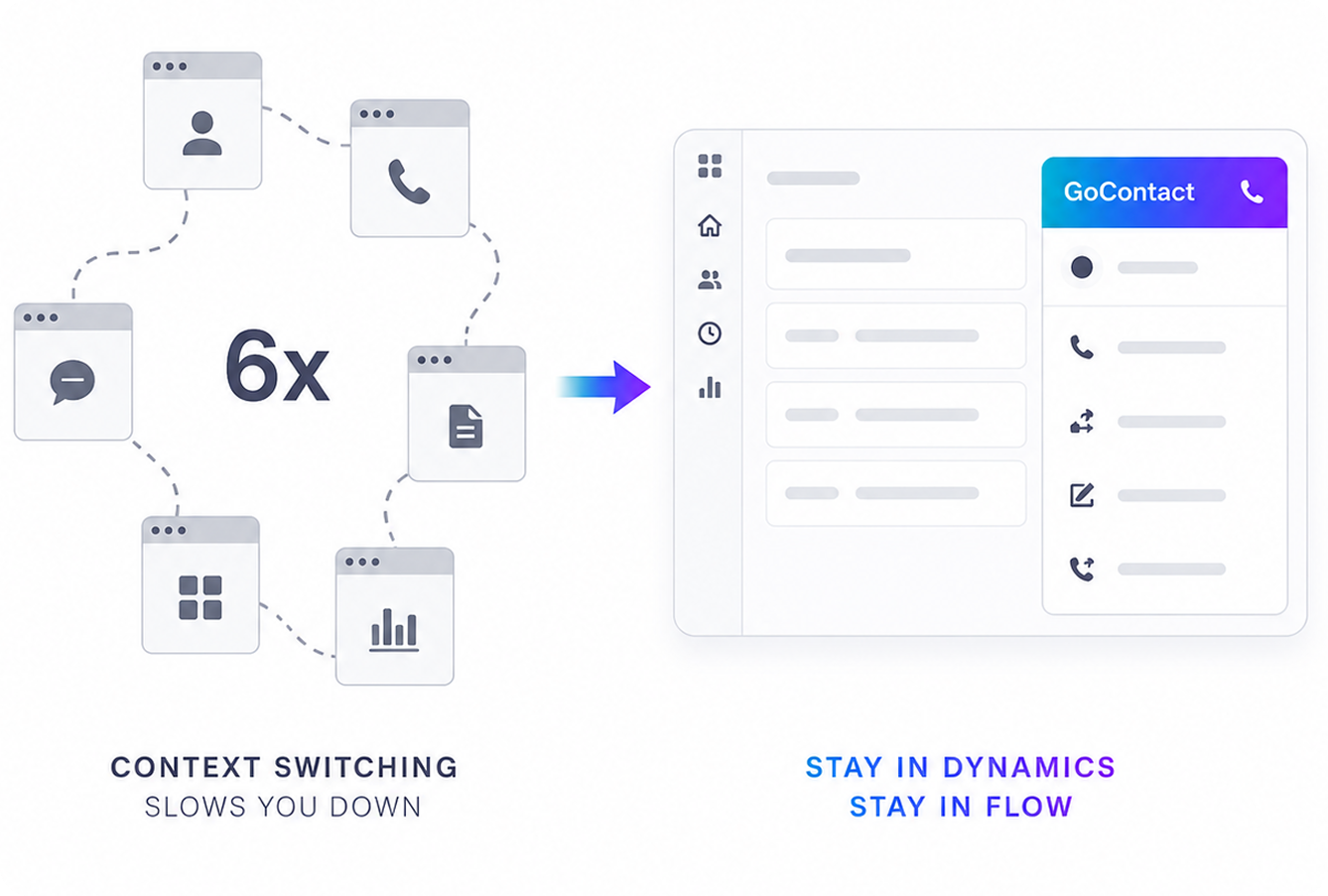
Illustration showing six different app windows representing context switching on the left; an arrow points to a single streamlined GoContact interface on the right with the text 'Context switching slows you down' and 'Stay in Dynamics Stay in Flow'.

THE COST OF Context Switching

Every Tab Switch is
a Process Failure

The average agent switches screens six times per interaction. That's not a workflow, that's a workaround. GoContact embeds right into Dynamics so your agents handle every call without leaving the system they're already in.

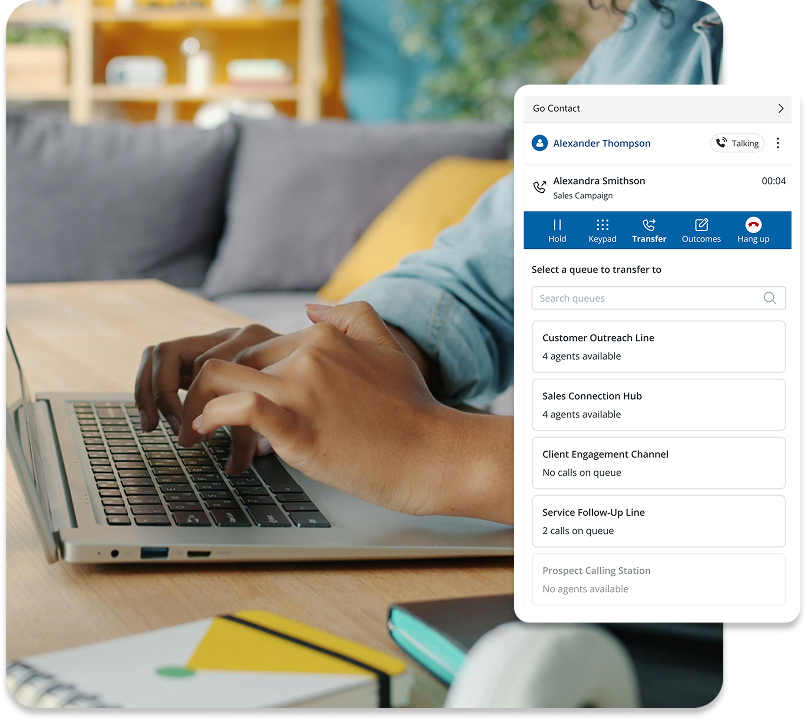
Hands typing on a laptop keyboard with a call center interface showing options to hold, keypad, transfer, outcomes, and hang up during a call with Alexandra Smithson.

Inside Dynamics

GoContact Lives
Inside Dynamics

GoContact appears as a panel inside Dynamics. Agents log in, select their queue or campaign, and handle their calls, without opening another tab. Everything is captured automatically, right where they already are.  
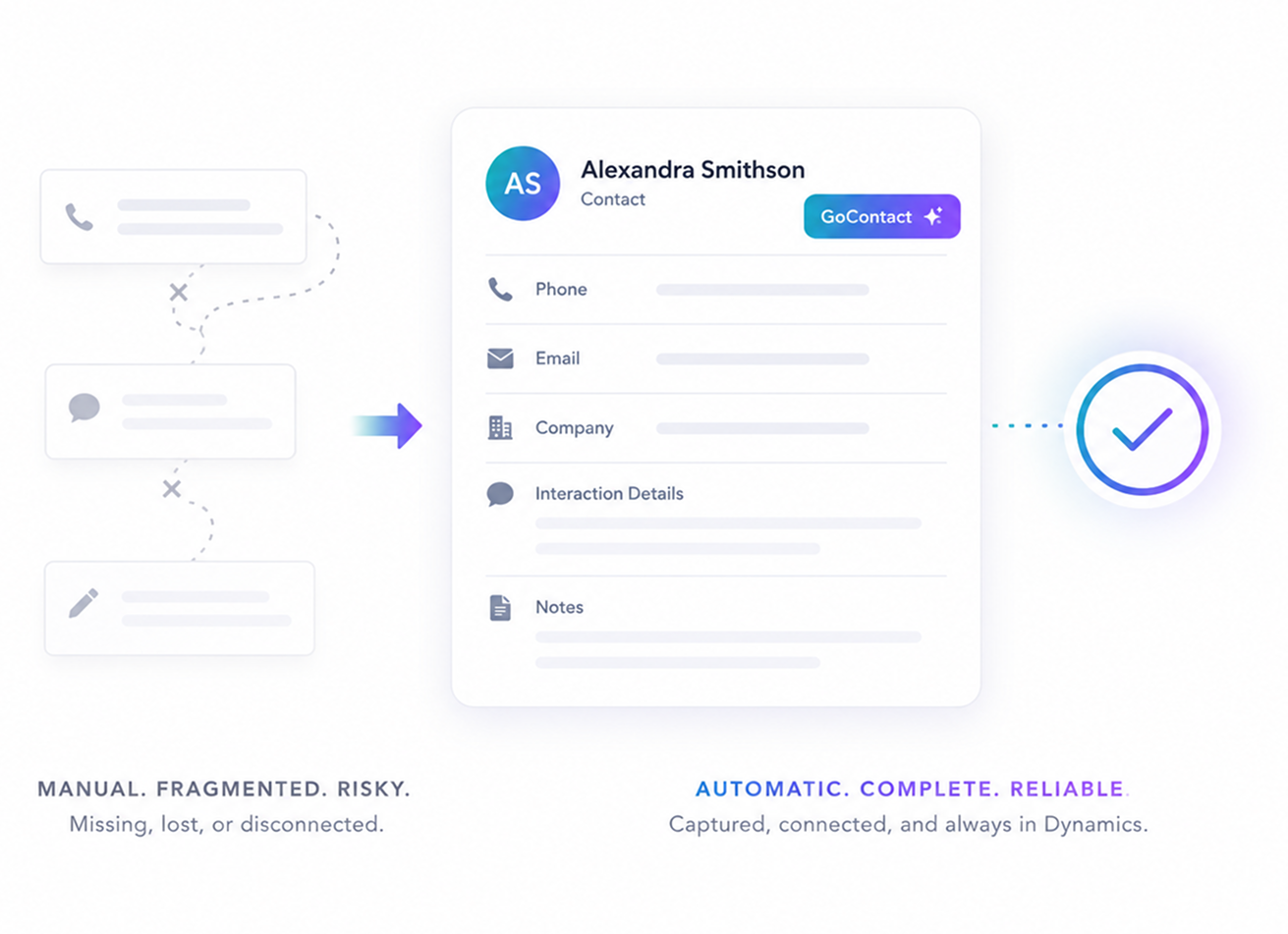
Comparison of manual fragmented contact management, represented by disconnected phone, message, and note icons leading to a consolidated digital contact card for Alexandra Smithson with phone, email, company, interaction details, notes, and a verified checkmark, highlighting automatic, complete, reliable data capture.

One Workspace

Nothing Falls
Through the Cracks

When a call ends, GoContact automatically saves the outcome, interaction details, and notes into the contact record in Dynamics. This way nothing gets missed, manually entered, or lost between systems.

Made For Dynamics

A full Contact Center In One Panel

All the features your contact center needs, inside Dynamics.
No second system. No extra tabs. No gaps in the data

Call Panel

Dedicated GoContact panel inside your Microsoft Dynamics workspace.,

Call Handling

Manage inbound and outbound calls without leaving your CRM.

Queue & Campaign Selection

Agents choose their queue orcampaign at login and get to work immediately.

Outcome Selection

Select wrap-up codes and log call outcomes  as soon as a call ends.

User Authentication

Agents log in quickly with role-based access controls already built in.

Audit Trails

Every interaction is automatically tracked and logged for compliance.

Deeper than a Connector

GoContact Doesn't Connect to Dynamics
It lives There

Installed through the Microsoft Dynamics App Store and supported by Broadvoice.
No third-party midleware. No custom development.

Live in Minutes

Broadvoice delivers GoContact directly to your team, then you install it like any standard Dynamics package. There's no custom development and no complex setup. You're just up and running fast.

Supported By Broadvoice

Unlike third-party connectors, GoContact is built and supported directly by Broadvoice. So, when you need help, you're talking to the people who built it. Not a middleware vendor.

Frequently Asked
Questions

What is the GoContact Microsoft Dynamics integration?
Icon
How do agents access GoContact inside Dynamics? 
Icon
What happens to call data after a conversation ends? 
Icon
Is it secure and compliance-ready?
Icon
Who supports the integration? 
Icon

Ready To

Transform Your CX?

Join thousands of teams delivering exceptional
customer experiences with Broadvoice.

Book a Demo